How Many Seconds Does a Programming Mistake Take to Wreck a Dual-Spindle Mill-Turn Machine?
How Many Seconds Does a Programming Mistake Take to Wreck a Dual-Spindle Mill-Turn Machine?
Key Takeaways
| Question | Quick Answer |
|---|---|
| What usually causes a mill-turn crash? | A missed clearance check between the turret, spindle, or tilting head |
| How much does one crash cost? | Often $50,000 to $150,000 in repairs, plus weeks of downtime |
| What actually stops it? | Full-machine simulation, not just a toolpath check |
| What should buyers ask a supplier? | Whether they simulate the whole machine, both channels, and the real G-code |
A single wrong move in CNC multi axis programming can turn a two-spindle, two-turret machine into a pile of bent metal. It only takes a few seconds. One turret swings the wrong way, or a tool holder sits a few millimeters too close to the sub-spindle, and the cycle ends in a crash instead of a finished part. For a shop running mill-turn work, that risk sits in the background of every job. This guide walks through why these crashes happen, what they cost, and how the right supplier stops them before they start.

In short: most mill-turn crashes trace back to one root cause — a program that was checked on paper but never checked against the real machine. Full-machine simulation, not just a toolpath preview, is what catches a collision before it happens. That single habit separates a reliable supplier from a risky one.
So how does a program that "looks fine" on a screen still end in disaster on the shop floor? The next four sections break down where the risk hides, what a crash costs, how a mill-turn collision simulation catches it in advance, and what to ask before you approve a supplier.
Table of Contents
- What Actually Causes a Collision in Multi-Channel Mill-Turn Machining?
- What Does a Mill-Turn Crash Actually Cost a Buyer?
- How Does Simulation Stop These Collisions Before They Happen?
- What Should a Buyer Check Before Approving a Mill-Turn Supplier?
What Actually Causes a Collision in Multi-Channel Mill-Turn Machining?
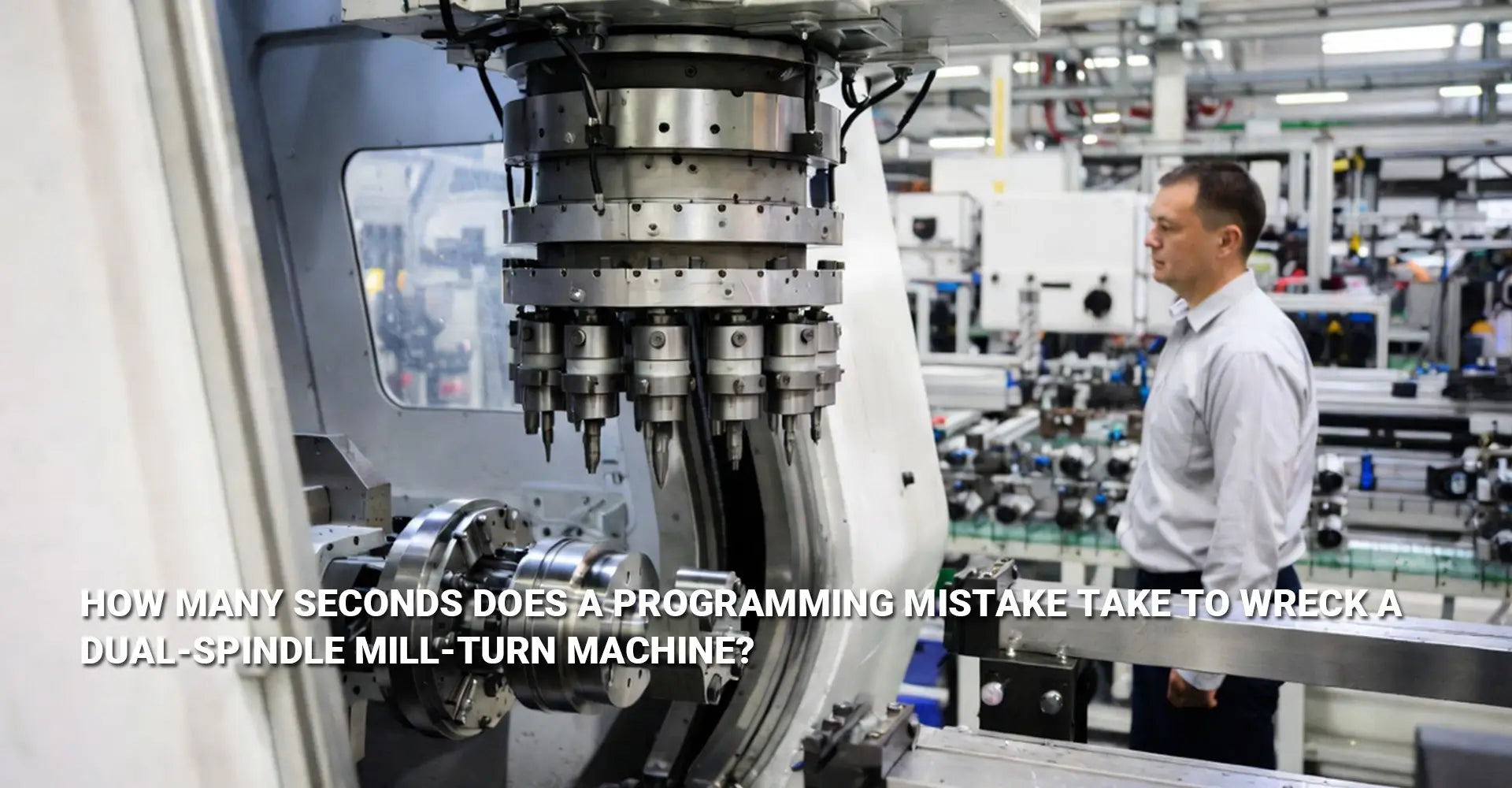
A mill-turn machine is not one tool moving through space. It's two turrets and two spindles, sometimes more, all working inside the same tight footprint. That setup is what makes dual spindle dual turret programming so different from running a single-spindle lathe or a plain three-axis mill. Every extra moving part adds another way for two things to end up in the same place at the same time.
Quick answer: most crashes trace back to a breakdown in multi-channel synchronization — when both channels move without knowing exactly what the other one is doing.
This risk shows up clearly with the tilting milling head. When a hole needs to be tapped at an angle, the milling head has to swing into position first. If the programmer hasn't fully mapped where the sub-spindle sits during that swing, the result is a B-axis tilting tapping collision — the head sweeps into a part or fixture that "should have been clear." These crashes tend to happen during rapid moves between operations, which is exactly when there's the least time to react.
What Does a Mill-Turn Crash Actually Cost a Buyer?
For a procurement manager, a crash isn't just a shop-floor headache. It's a supply chain problem. A damaged spindle or turret takes real time to repair, and that time comes straight out of your delivery schedule.
Quick answer: a single crash can run $50,000 to $150,000 in repairs, on top of the production time lost while the machine sits down.

The direct repair bill is only part of the story. A simultaneous machining collision doesn't stay contained to one machine — it delays every job queued behind it, including parts bound for industrial machinery programs and automotive production lines. Missed delivery windows add up fast, and repeat delays are one of the quickest ways to lose a buyer's trust.
How Does Simulation Stop These Collisions Before They Happen?
The fix for all of this is digital twin machining — building a full virtual copy of the machine, tooling, and fixtures before a single chip gets cut. This goes well beyond checking whether the tool clears the part. It checks whether every part of the machine clears every other part, including the tool holder, the fixture, and the second spindle.
Quick answer: simulation software builds a working model of the entire machine, so it can catch a crash on screen instead of on the shop floor.

Two tools lead this space. ESPRIT machine simulation checks the full kinematics of the machine, not just the toolpath, catching interference between the turret, spindle, and tilting head before the program ever runs. Separately, Vericut G-code verification goes a step further and checks the actual code the control will execute, including every macro and subroutine, which catches errors a toolpath-only check would miss. Paired with CAM collision detection tools that flag interference points automatically, this layered approach is what makes reliable CNC turning and milling on complex mill-turn parts possible without gambling on a crash.
What Should a Buyer Check Before Approving a Mill-Turn Supplier?
You don't need to be a programmer to ask the right questions. A short checklist can tell you a lot about how seriously a supplier treats collision risk.
Quick answer: ask whether they simulate the full machine, both channels together, and the real G-code — not just the toolpath.
Here's what to ask before you place an order:
- What software do you use, and does it model the whole machine, not just the cutting path?
- Do you simulate both turrets together, or check each one on its own?
- Can you show me a simulation report or video from a similar part you've already run?
A supplier who answers these clearly, with a real example on hand, treats simulation as part of the job. A supplier who says "we check it in CAM" without any detail is a bigger risk than the price quote suggests.
Conclusion-The Bottom Line on Mill-Turn Programming Safety
Mill-turn crashes are not bad luck. They come from a program that was never checked against the real, moving machine. The good news is that the fix is well understood, and it's something you can ask about directly.
Before your next order, confirm that your supplier simulates the whole machine, checks both channels together, and verifies the final code before it ever reaches the control. That single habit is the difference between a shop that hits its delivery dates and one that calls you with bad news. If you're weighing a supplier for complex mill-turn work, Hotean's CNC machining service page walks through how these checks fit into a full production run.
Recommended Links
[CNC multi axis programming][^1]
[mill-turn collision simulation][^2]
[dual spindle dual turret programming][^3]
[B-axis tilting tapping collision][^4]
[multi-channel synchronization][^5]
[ESPRIT machine simulation][^6]
[^1]: A detailed breakdown of the seven most common programming mistakes in multi-axis machining, along with guidance on how simulation and verification can help avoid them. It covers 4-, 5-, and 6-axis machining, highlighting the increased complexity and risk of collisions as the number of axes grows[reference:0][reference:1].
[^2]: CrashGuard Studio is a 3D simulation software for multifunctional CNC turning, drilling, and milling centers, enabling realistic simulations of machines with complex kinematics. It supports verification and optimization of NC programs, reducing collisions and rejects[reference:6][reference:7].
[^3]: GibbsCAM's MTM (Multi-Task Machining) software page details how to program complex machine tools with any number of spindles and turrets, including common two-spindle, two-turret configurations[reference:0]. The Sync Manager provides an intuitive graphical interface for managing multiple, parallel process flows and automatically checking for invalid operations or synchronization issues[reference:1]. The page also describes how Machine Simulation uses animated machine tool models to identify program errors before they cause costly mistakes on the shop floor[reference:2].
[^4]: Mastercam 2024's Mill Turn B-Axis Vector Control guide explains how the B-axis on a mill-turn machine rotates the tool to cut at preferred angles and reach difficult areas[reference:3]. The article details three tool axis control options: Automatic (rotates the tool to avoid collisions automatically), Manual (provides control using wireframe vectors), and Modified (merges both approaches—starting with automatic collision avoidance, then allowing manual adjustments to control vectors)[reference:4]. When adjusting tool orientation, the contour path turns red if any collisions are detected, helping programmers quickly find a suitable angle[reference:5].
[^5]: A SolidCAM webinar page from MMS Online (Modern Machine Shop) covering how to program and synchronize multi-channel operations efficiently on mill-turn and Swiss machines, with practical insights for managing synchronization across multiple channels, spindles, and turrets[reference:0][reference:1].
[^6]: Hexagon's official ESPRIT CAM page for Swiss-type machining detailing how the software uses a digital twin of the CNC machine for full simulation and verification, with multi-channel process synchronization, collision detection, and real-time animated simulation of the entire machining process[reference:2][reference:3].