Sheet Metal MES System: How to Cut Lead Time and Boost OEE by 40%?
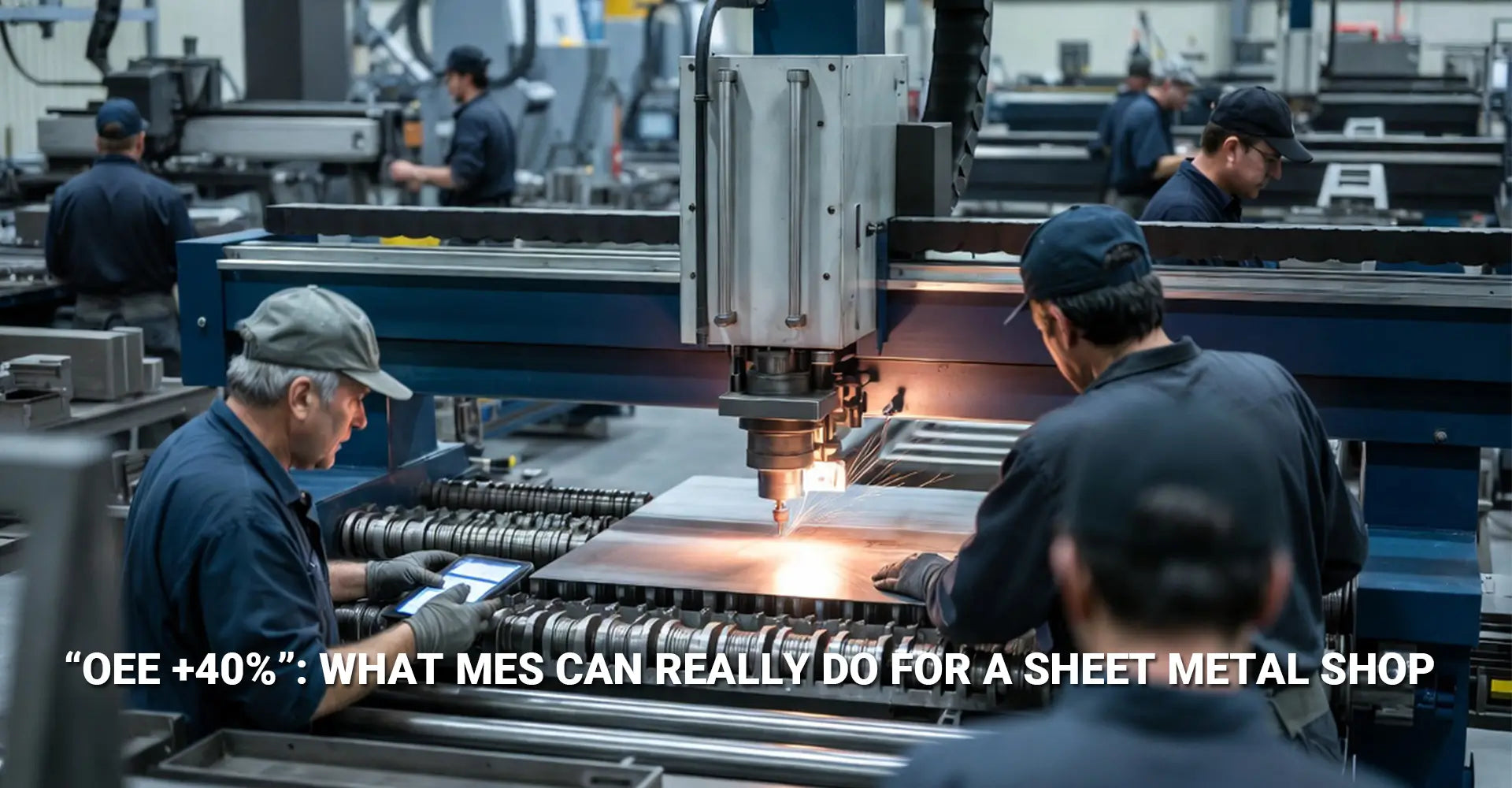
Sheet Metal MES System: How to Cut Lead Time and Boost OEE by 40%?

Running a sheet metal shop without real-time visibility feels like flying blind. When you rely on paper travelers and Excel schedules, you can't see where jobs are stuck, which machines are idle, or why that urgent order isn't moving. Meanwhile, your competitors are shipping faster because they know exactly what's happening on their shop floor every single minute.
Quick Facts: MES Impact on Sheet Metal Shops
What you need to know right now:
- OEE gains: Up to 40% improvement in Overall Equipment Effectiveness
- Lead time reduction: Real-time tracking eliminates waiting and searching delays
- Downtime visibility: Captures setup time, micro-stoppages, and breakdown causes
- Integration scope: Connects ERP, nesting software, and CNC controllers
- Deployment time: Pilot programs go live in weeks; full rollout in phased months
Bottom line: MES replaces guesswork with data, so you spend less time hunting for parts and more time cutting metal.
The good news is that sheet metal MES system efficiency isn't just a buzzword for giant factories. Even small shops can deploy these systems in phases, starting with one bottleneck machine and expanding as results prove themselves. In this guide, you'll learn what MES actually does in a fabrication environment, how it connects your existing tools, and what your deployment checklist should include to avoid common pitfalls.
Table of Contents
- What Is an MES System for Sheet Metal Fabrication?
- How Does Real-Time Monitoring Reduce Lead Time in Your Shop?
- Can MES Integration with ERP and Nesting Software Actually Work?
- What Should Your MES Deployment Checklist Include?
- Conclusion
What Is an MES System for Sheet Metal Fabrication?
Manufacturing Execution Systems sound complicated, but they're really just software that sits between your office computer and your shop floor machines. Instead of wondering where a job is or how long a setup took, MES tracks every step from the moment raw sheet metal arrives until the finished part ships.
Core modules you'll actually use:
MES for sheet metal fabrication typically includes four main areas. First, scheduling assigns jobs to specific machines based on capacity and priority. Second, job tracking follows each part through punching, cutting, bending, and welding. Third, quality records capture scrap counts and rework reasons. Fourth, maintenance logs track when machines go down and why.
Here's what makes sheet metal shop MES implementation different from generic factory systems. Sheet metal shops deal with hundreds of unique parts, frequent setups, and complex nesting decisions. Therefore, a good MES pulls program data directly from your CAM software, understands material grades and thicknesses, and handles the reality that your laser cutter might run twenty different jobs in one shift. Additionally, it recognizes that setup time on a press brake can eat half your available capacity, so tracking those changeovers matters more than tracking pure runtime.
Generic MES systems treat all production as similar, but punching a hole takes seconds while bending a complex bracket might need three tool changes. Consequently, your system needs to account for the dramatic swings in cycle time that make sheet metal fabrication unique.
How Does Real-Time Monitoring Reduce Lead Time in Your Shop?
Your CNC machines already have computers inside them, yet most shops treat them like black boxes. You press the green button, parts come out, and you only learn about problems when someone yells across the floor. Real-time production monitoring sheet metal changes that by pulling status signals from each machine and displaying them on dashboards anyone can see.
What "live" actually means on the shop floor:
Live dashboards show three critical things at a glance. First, you see exactly which jobs are running on which machines right now. Second, bottleneck alerts highlight where work is piling up because one process can't keep pace. Third, WIP location tells you whether that urgent order is still at the laser or already moved to bending. As a result, supervisors stop walking the floor with clipboards and start making decisions from data.
Imagine a typical scenario where you need to reduce lead time with MES in action. An important customer calls with a rush order due tomorrow morning. In the old system, you'd walk the floor asking operators if they could squeeze it in, check the schedule whiteboard, and hope nothing gets lost. Now, you glance at your dashboard, see that the laser cutter finishes its current nest in thirty minutes, and immediately reserve that slot. Meanwhile, the system alerts the bending operator that a priority job is coming their way in two hours, so they prepare the tooling in advance.
This visibility eliminates three common time wasters. First, no more hunting for parts between operations because the system tracks location automatically. Second, no more waiting for supervisors to manually update schedules since priorities refresh instantly. Third, no more surprise delays because you spot bottlenecks before they create multi-day backlog. In short, transparency turns into speed.
Can MES Integration with ERP and Nesting Software Actually Work?
Many shops worry that connecting different software systems will turn into an expensive disaster. After all, your ERP runs on servers in the office, your nesting software lives on engineering workstations, and your CNC controllers speak proprietary machine languages. However, integrating MES with ERP and machines is simpler than it sounds when you take it step by step.
Where data flows matter most:
Three integration points deliver the biggest value. First, orders and BOMs flow from ERP into MES so the shop knows what to build. Second, nesting software sends cutting programs and routing sequences to MES so operators know which operation comes next. Third, feedback loops capture actual start times, stop times, and quantities via barcode scanners or machine signals, then send that data back to ERP for inventory and costing updates.
Start small and prove value before going all-in:
Many successful shops begin with one simple connection rather than trying to automate everything at once. For example, install a barcode scanner at your laser cutter and have operators scan job tickets when they start and finish each nest. This single step creates accurate runtime records and proves that people will actually use the system. Once operators trust the process, add automatic machine signals to capture cycle counts and alarm codes without manual entry. Finally, connect the ERP sync so completed jobs update inventory and trigger the next operation automatically.
CNC punching and laser cutting MES integration often starts here because these machines already output digital files and status signals. Press brakes and welding cells can follow later since they require more customization. Moreover, this phased approach lets you validate data accuracy at each stage instead of debugging five connections simultaneously when nothing works.
The key is treating integration as a series of small wins rather than one massive project. Accordingly, budget a few weeks to get one data flow working perfectly before moving to the next.
What Should Your MES Deployment Checklist Include?
Jumping straight into full shop deployment usually ends badly. Instead, a clear checklist keeps your project focused on delivering measurable results quickly while minimizing disruption to daily production. Additionally, a phased rollout gives you room to adjust based on what you learn in the pilot phase.
Your step-by-step deployment roadmap:
Start by defining specific goals you can measure in ninety days. For instance, "increase laser cutter OEE from 65% to 75%" works better than vague aims like "improve productivity." Next, select one pilot area—ideally a complete value stream from rapid prototyping through finishing, or a single high-value cell like your laser and punch combo. Then, map exactly which data points you'll capture at each machine: job start, job end, downtime reason, scrap count, and setup duration at minimum.
The critical first ninety days:
Your nesting and scheduling optimization MES won't deliver value if operators don't trust it or supervisors ignore the reports. Therefore, plan hands-on training sessions where people actually scan barcodes and enter downtime codes while you watch. Then, establish a weekly review rhythm where you sit down with the pilot team and examine three core KPIs: OEE improvement with MES percentage, average setup time, and on-time delivery rate.
Common pitfalls trip up even experienced teams. First, trying to capture too much data overwhelms operators and creates garbage-in-garbage-out problems. Second, skipping operator buy-in leads to workarounds where people game the system or ignore it entirely. Third, focusing only on technology while neglecting the sheet metal digitalization roadmap process changes guarantees failure.
Course corrections that actually work:
If your OEE numbers look wrong in week two, don't panic. Instead, shadow an operator for a full shift and watch where data entry breaks down. Often, you'll discover that downtime codes are confusing or barcode labels fall off parts. Fix those small issues immediately rather than waiting for perfect data. Similarly, if supervisors aren't checking dashboards, put a big screen in the break room so everyone sees live status and peer pressure naturally drives engagement.
Industries like automotive and industrial machinery have proven that a downtime reduction MES system works best when you celebrate quick wins loudly. When the pilot cell cuts lead time by two days in the first month, share that success with the whole shop. As a result, other areas will ask to join the program instead of resisting it.
Track these specific metrics in your first quarter:
- Overall Equipment Effectiveness (OEE): Target 10-15 point improvement
- Average setup time: Should decrease as visibility highlights waste
- On-time delivery percentage: Leading indicator of customer satisfaction
- Unplanned downtime hours: Broken down by machine and root cause
- Jobs completed per shift: Throughput indicator that accounts for mix changes
Review weekly, adjust processes bi-weekly, and only expand to the next area once these numbers stabilize and improve.
Conclusion
Sheet metal shops that stick with paper travelers and Excel schedules are leaving serious money on the table. Real-time visibility through MES doesn't just make your operation look high-tech—it directly cuts lead time, raises OEE by 40% or more, and gives you the data to fix problems before they snowball into delays.
The path forward is simpler than you think. Start with one value stream or bottleneck machine, capture basic data like job start and stop times, and prove the value in weeks rather than months. Once operators see how much easier their day gets when they're not hunting for parts or waiting for instructions, expanding to the rest of the shop becomes a natural next step.
Don't try to boil the ocean by connecting everything at once. Instead, follow the checklist: define measurable goals, pick a pilot area, train your people thoroughly, and review KPIs every week. This disciplined approach turns a scary digitalization project into a series of small, manageable wins that add up to a shop that runs faster, wastes less, and ships on time.
External Links & Further Reading
[Sheet metal MES system efficiency][^1]
[sheet metal shop MES implementation][^2]
[OEE improvement with MES][^3]
[downtime reduction MES system][^4]
[sheet metal digitalization roadmap][^5]
[integrating MES with ERP and machines][^6]
-----
[^1]: This comprehensive resource details the "Core Four" functions of MES specifically for metalworking: Work Order Tracking, Scheduling, OEE, and Downtime Tracking. It explains how digital work instructions and real-time inventory visibility can increase throughput by up to 30%.
[^2]: A step-by-step roadmap for implementing an MES in job shops and metal fabrication environments. It covers essential phases from assessing information gaps to running a 4-week pilot on a single production line to ensure a low-disruption rollout.
[^3]: A specialized guide for sheet metal fabricators on using MES data to validate product flow and eliminate bottlenecks in laser and punching stations.
[^4]: A 2026 comprehensive report on the financial impact of MES, showing how predictive maintenance modules reduce unplanned downtime costs by up to $500,000 annually for mid-sized plants.
[^5]: A step-by-step roadmap specifically for sheet metal businesses. It focuses on moving from manual quoting to automated data capture and inventory remnants management to drive profitability.
[^6]: This engineering resource provides a detailed look at how MES acts as the real-time bridge between ERP strategic planning and machine-level CNC execution, with a focus on OEE and cycle time optimization.